How to bridge VKBT & CURE — step by step
KulaSwap's tokens VKBT and CURE live on Hive-Engine. To swap, stake, borrow, or trade them on PRANA, you bridge them over — and bridge them back whenever you want. It's non-custodial: your keys stay in your own wallet, the 3-of-5 @kula-bridge holds the lock, and the relayer does the mint and the release. Here is the whole process.
Where to start
Go to kula.money and tap Bridge at the top, or go straight to kula.money/bridge.html.
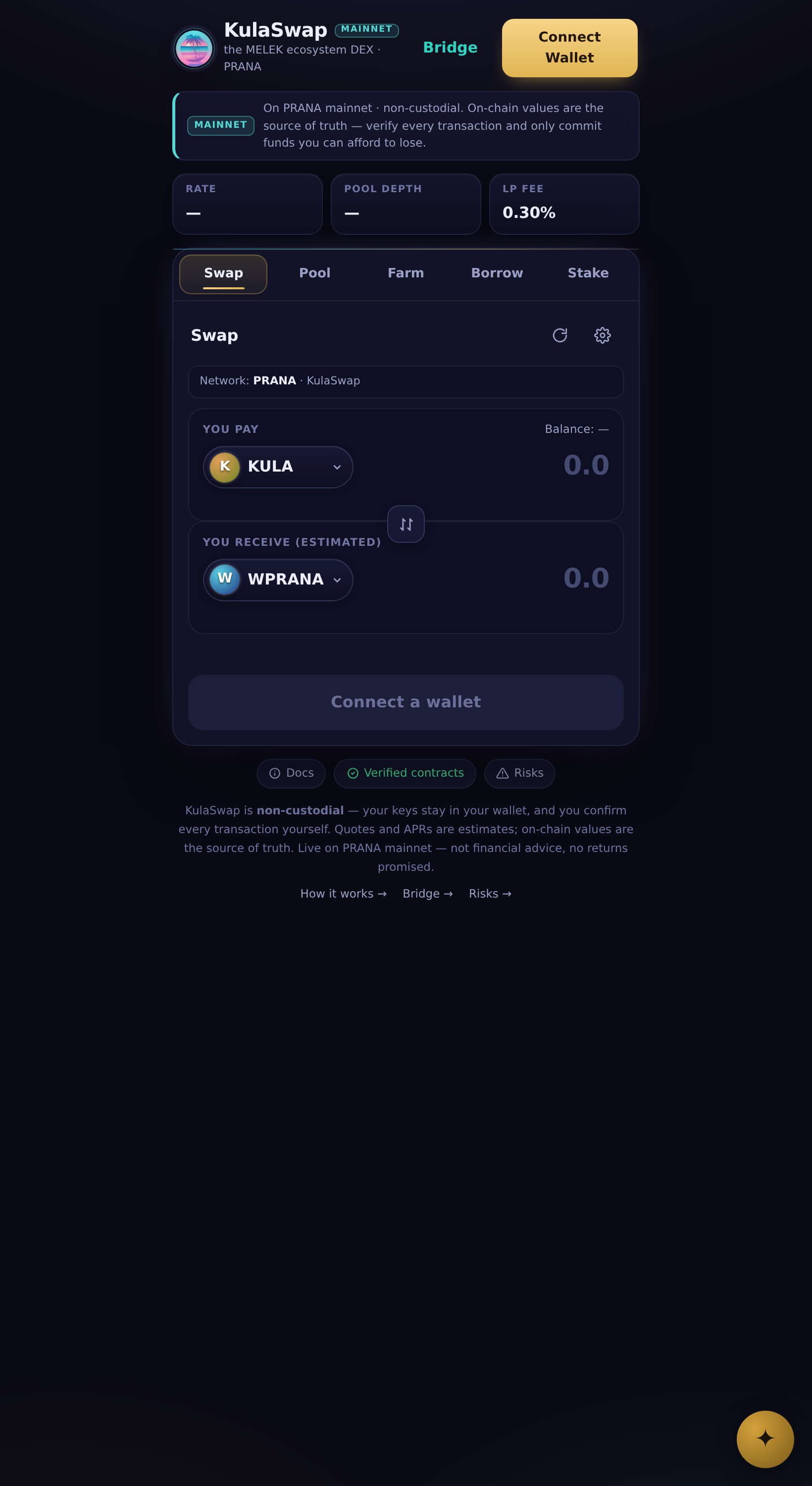
The Bridge link in the KulaSwap header.
Part 1 — Deposit: move VKBT / CURE from Hive to PRANA
- On the Deposit → PRANA tab, pick your token — VKBT or CURE.
- Enter the amount.
- Enter your own PRANA address — this is the wallet the wrapped token (wVKBT / wCURE) arrives in. Double-check it's yours.
- Tap Send via Hive Keychain and approve. Keychain signs a Hive-Engine transfer of your tokens to
@kula-bridge, with your PRANA address in the memo. - Wait 12 confirmations. The 3-of-5 relayer then mints the wrapped token to your PRANA address. That's it — it's on PRANA.
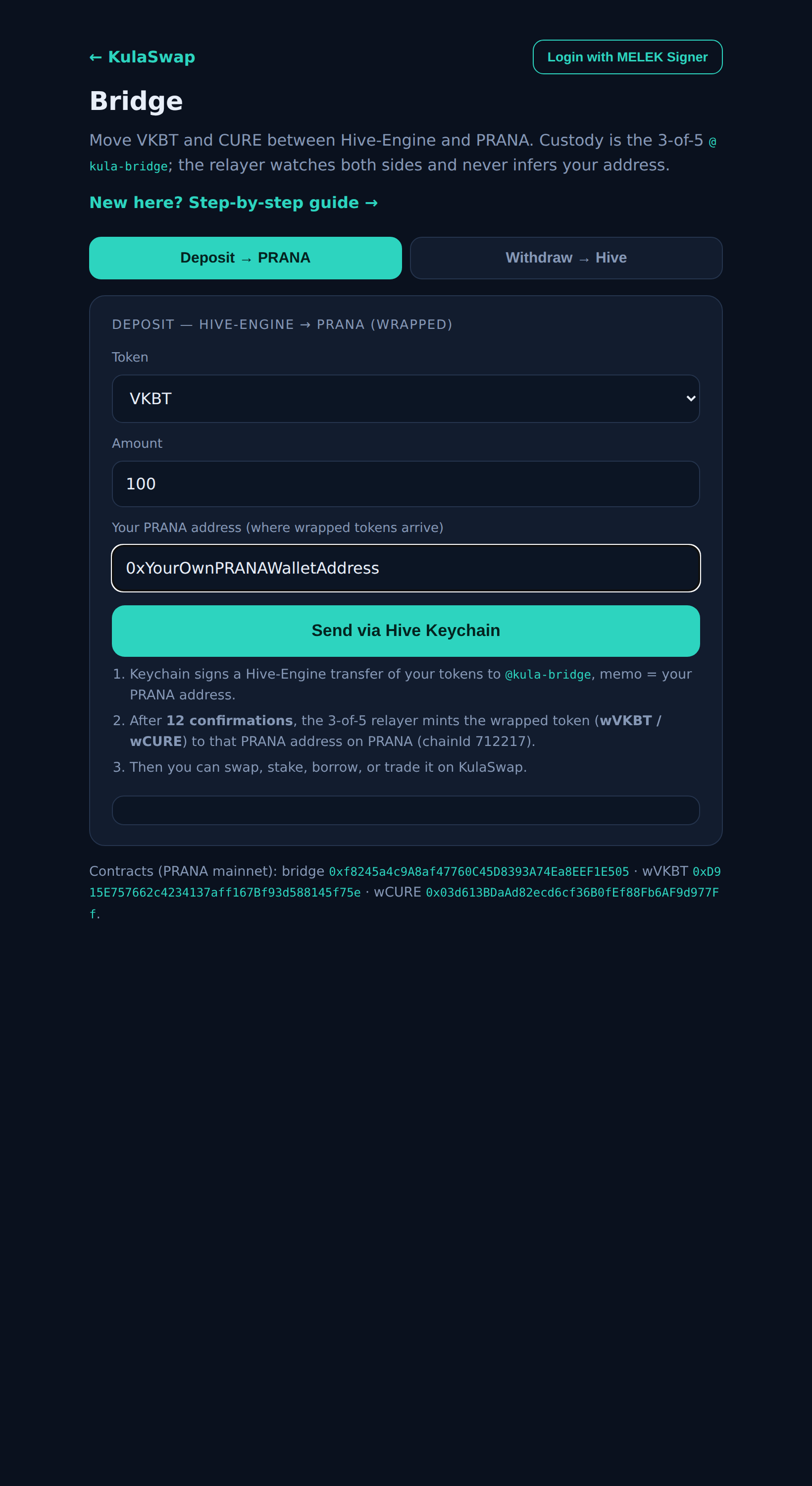
Deposit: token, amount, and your PRANA address — then Send via Hive Keychain.
Part 2 — Use it on KulaSwap
Once it's wrapped on PRANA, connect your EVM wallet on kula.money and swap, stake, borrow against it, or trade — same as any PRANA token.
Part 3 — Withdraw: move it back to Hive
- Open the Withdraw → Hive tab and tap Connect EVM wallet (it switches you to PRANA automatically).
- Pick the token, enter the amount, and enter your Hive username — where the tokens are released.
- Tap Approve & Withdraw. Your wallet approves the bridge and calls withdraw; the relayer releases VKBT / CURE back to your Hive account (memo
bridge-withdraw:<nonce>).
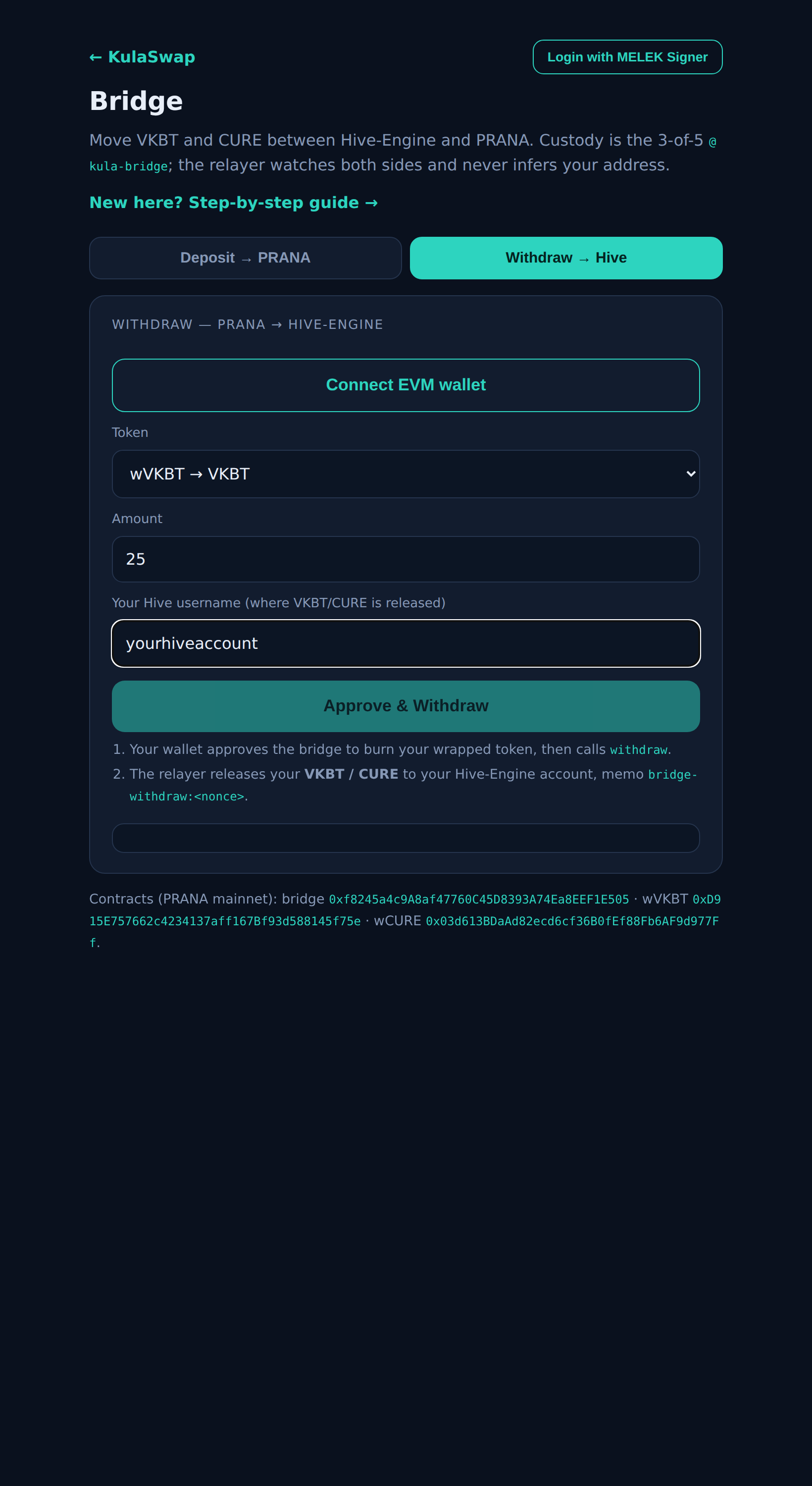
Withdraw: connect your wallet, pick token and amount, enter your Hive username.
Safety. Non-custodial — your keys stay in Hive Keychain and your EVM wallet; this page never sees them. Your destination is taken only from what you sign (the memo on deposit, the username on withdraw), so the relayer cannot redirect your funds. Verify the contracts on PRANA mainnet: bridge
Open the Bridge →
0xf8245a4c9A8af47760C45D8393A74Ea8EEF1E505 · wVKBT 0xD915E757662c4234137aff167Bf93d588145f75e · wCURE 0x03d613BDaAd82ecd6cf36B0fEf88Fb6AF9d977Ff.